Graze: A Better Way to Discover the Fediverse


The last week has seen a renewed focus on the Fediverse here on The Review. I truly believe the Fediverse has the potential to re-shape the Internet for the better.
But there remain some glaring issues with this awesome tech that, I believe, inhibits its adoption.
One major hurdle I encounter over and over again is folks saying "there's nobody on the Fediverse."
That's not true, actually. I follow Sam Reich of CollegeHumor/Dropout fame, Jason Evangelho (formerly of Forbes), Liam from GamingOnLinux, Russ Crandall from Retro Game Corps, my fellow writer Dash, and many others.
There are lots of folks on the Fediverse... but how do you find them?
Enter Graze for Mastodon, a browser extension that has many wonderful features which have changed only how I find Fediverse accounts, but also how I browse the web and how I use Mastodon itself.

Browse The Web, Find Fedi Services
If you're like me and you avoid the social media gravity wells like the plague, you probably spend much of your online day browsing random, interesting websites or preoccupied with your own self-hosted content.
So if you're already going around to different sites, Graze for Mastodon unlocks Fediverse discovery for you in a novel, interesting way.
Discovery, The Distributed Way
For example, I learned that Pictogrammers, the project that designs the Free & Open Source Material Design Icons set has a Mastodon account.
How did I find out? After I had installed Graze for Mastodon, I visited the Pictogrammer's website and I saw this:
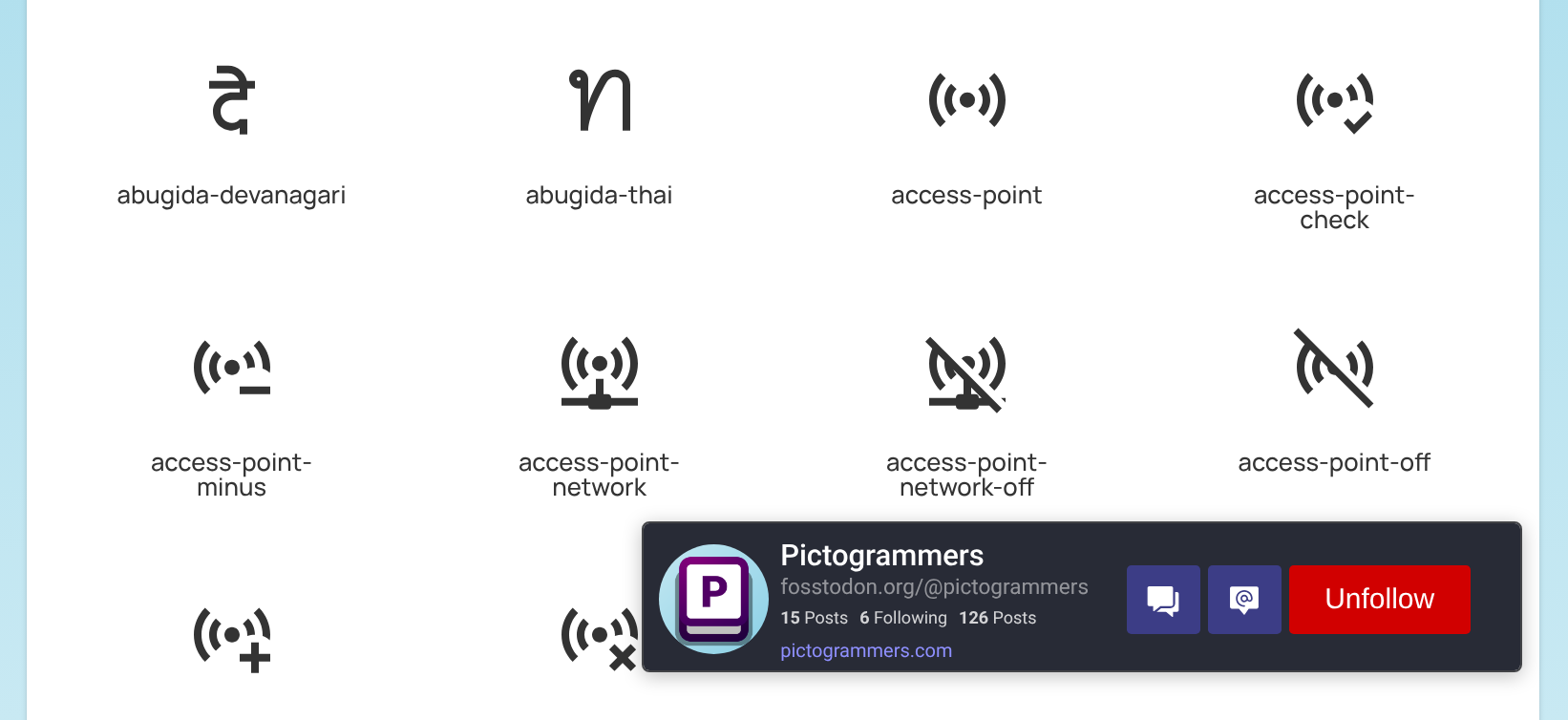
This little popover shows not only that Pictogrammers is on Mastodon, but also their post count and their following. It also provides buttons to visit their profile, see their profile on your home instance, and a button to Follow them! I clicked the follow button and now when I visit the site, the popup will appear showing that I'm actually following them!
This pop-up seems to be based on the the <meta property="fediverse:creator"> tag in the <head> of the HTML document. What's cool is there are many, many websites which have this meta tag installed on them and this means Graze will just work!
For example, if an author here on The Review has a Mastodon profile set, then Graze will point to the correct author of an article on Mastodon, if one exists. (If the author isn't on Fedi, it will point to my account instead).

Go follow @HiTechLoLife@meta.masto.host by the way.
Handle Upgrades
Graze will also highlight plaintext Fediverse handles, too. Like this:
My account on Bluesky.
It also upgrades plaintext handles and turns them into links. Even providing a popover info card for the account it's linking to!
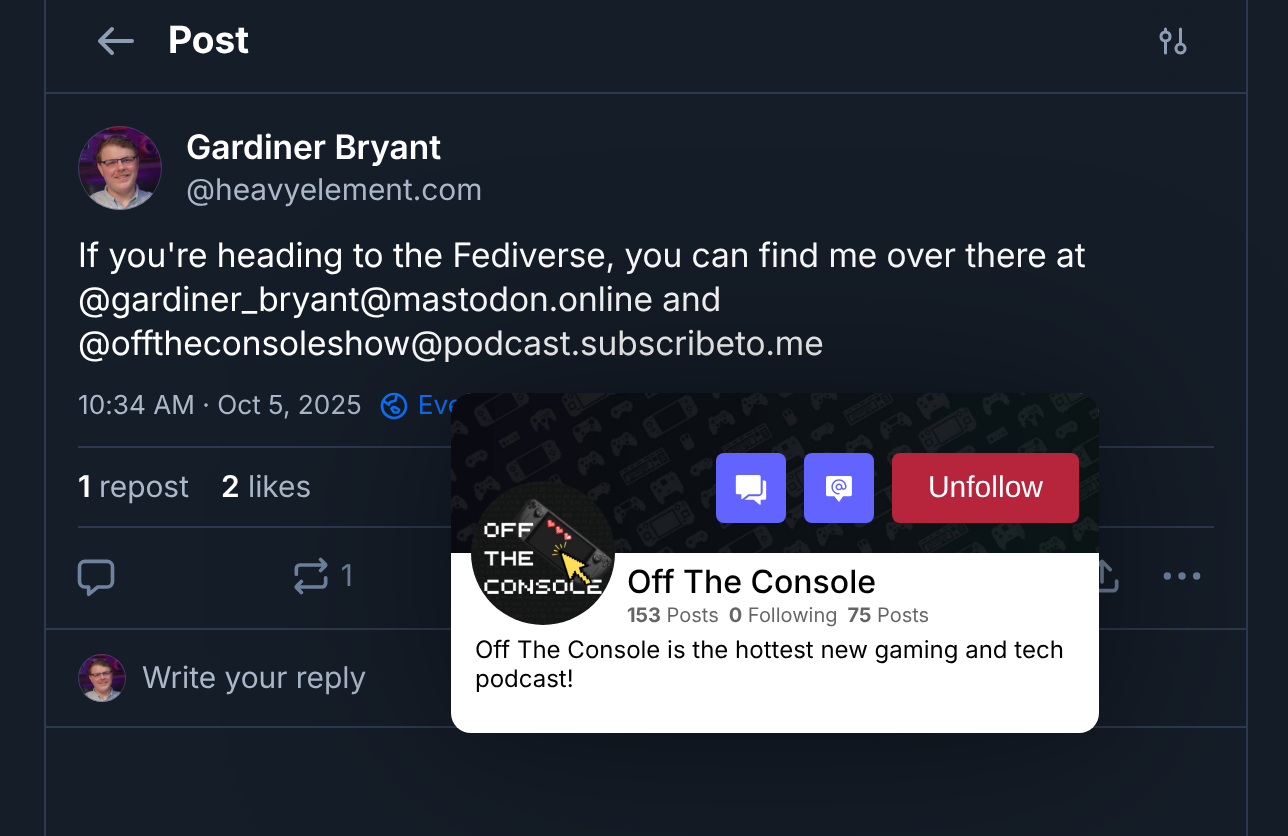
Here we can see the info card for my instance of Castopod, a Fediverse-first podcast hosting software, being displayed.
An Upgraded Mastodon Experience
Graze doesn't just look for handles and the <meta property="fediverse:creator"> tag on the sites your browse. It also includes some cool quality of life improvements for your Mastodon experience.
Hover Cards
It's kinda crazy that Mastodon has doesn't have hover cards as a built in feature, but it doesn't.
If you're not aware, hover cards let you hover your cursor over a link on your home instance and it will give you some metadata and other info on whatever you're highlighting.
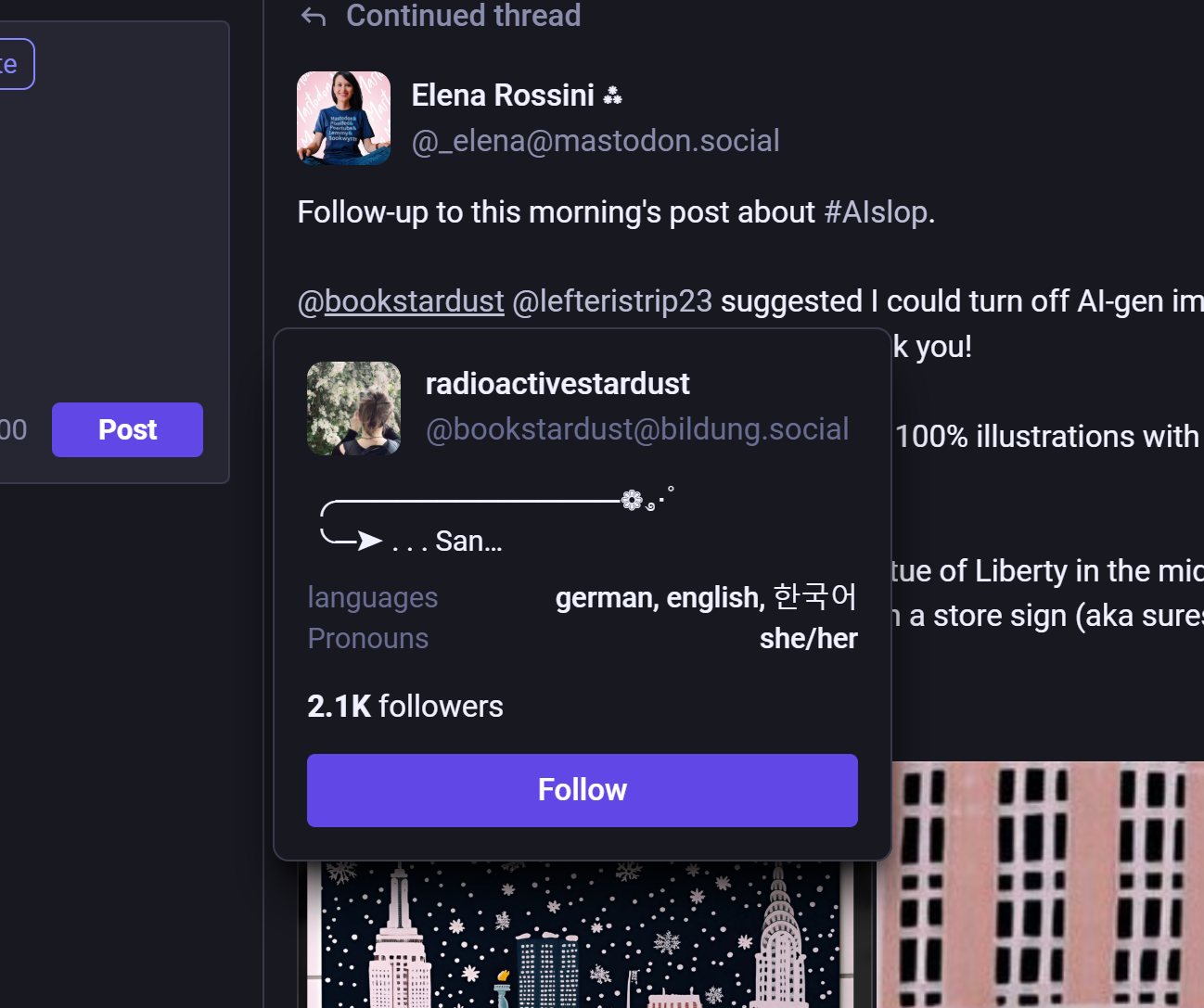
For example, hovering over a user will display their metadata including their bio, links, number of followers, and your following status.

This also works if you hover over someone's @tag:
Hashtag Hover Cards
As with @handles and user info, hovering over a hashtag on Mastodon will cause a hovercard to pop over:
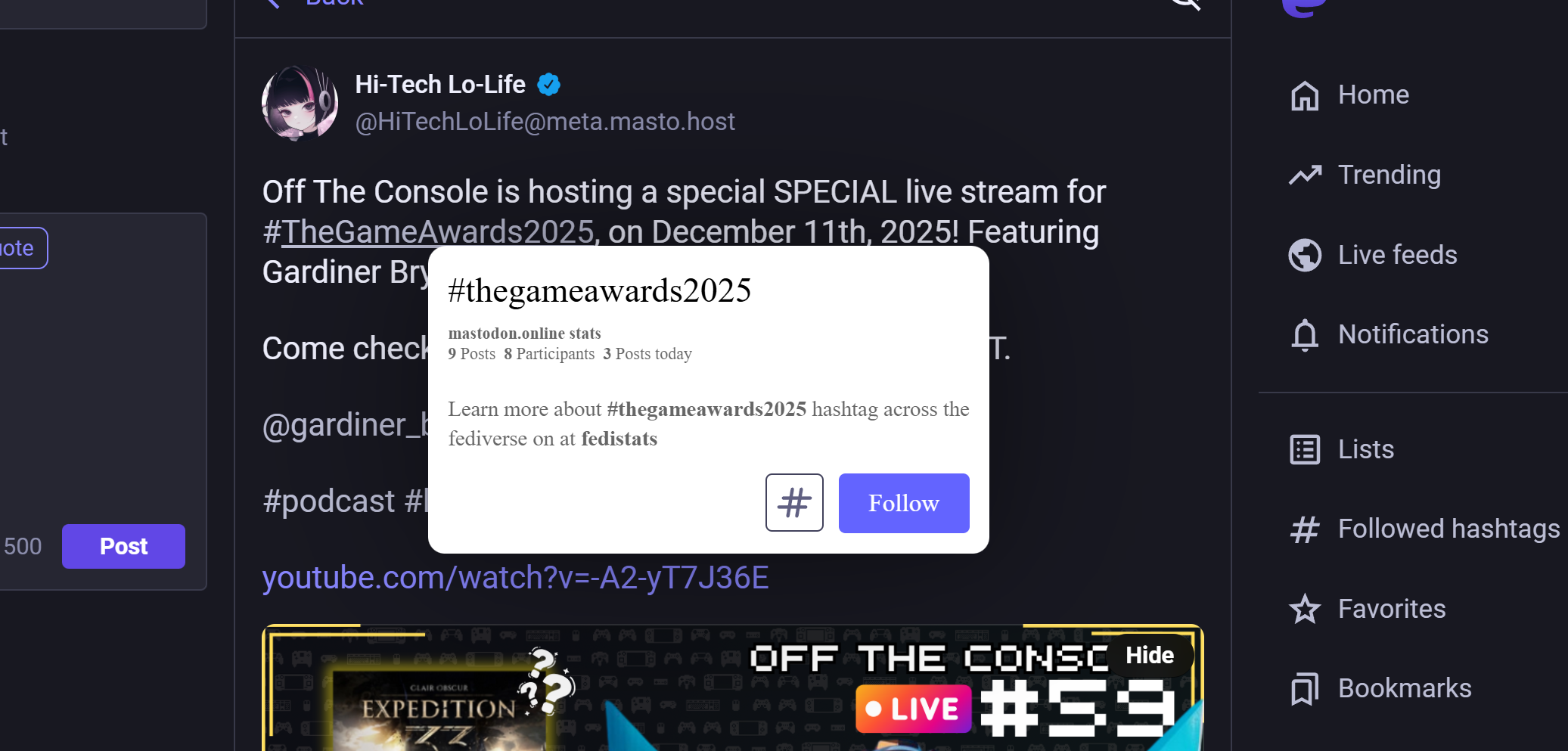
What's really neat about this is it will show you how many others are using this tag, how many times the tag has been used, and how many times the tag was used today. All of this is relative to what your instance knows about, of course.
You can also click the # button to toggle this hashtag's muted state as well as the Follow button to follow the tag.
Expanded Link Card Previews
Link previews are a weird dark pattern edge case. I personally don't like link previews–especially because they're easily manipulated by site owners and services alike.
Overall, Mastodon's link previews are rather inoffensive to me, but there is one small issue I have with them: they fall victim to the familiar design paradigms that were established by proprietary, manipulative services.
Namely, Facebook and Twitter's link preview design where it's limited to a single line of text for the title and a single line of text for the description. Not enough information to make an informed decision.
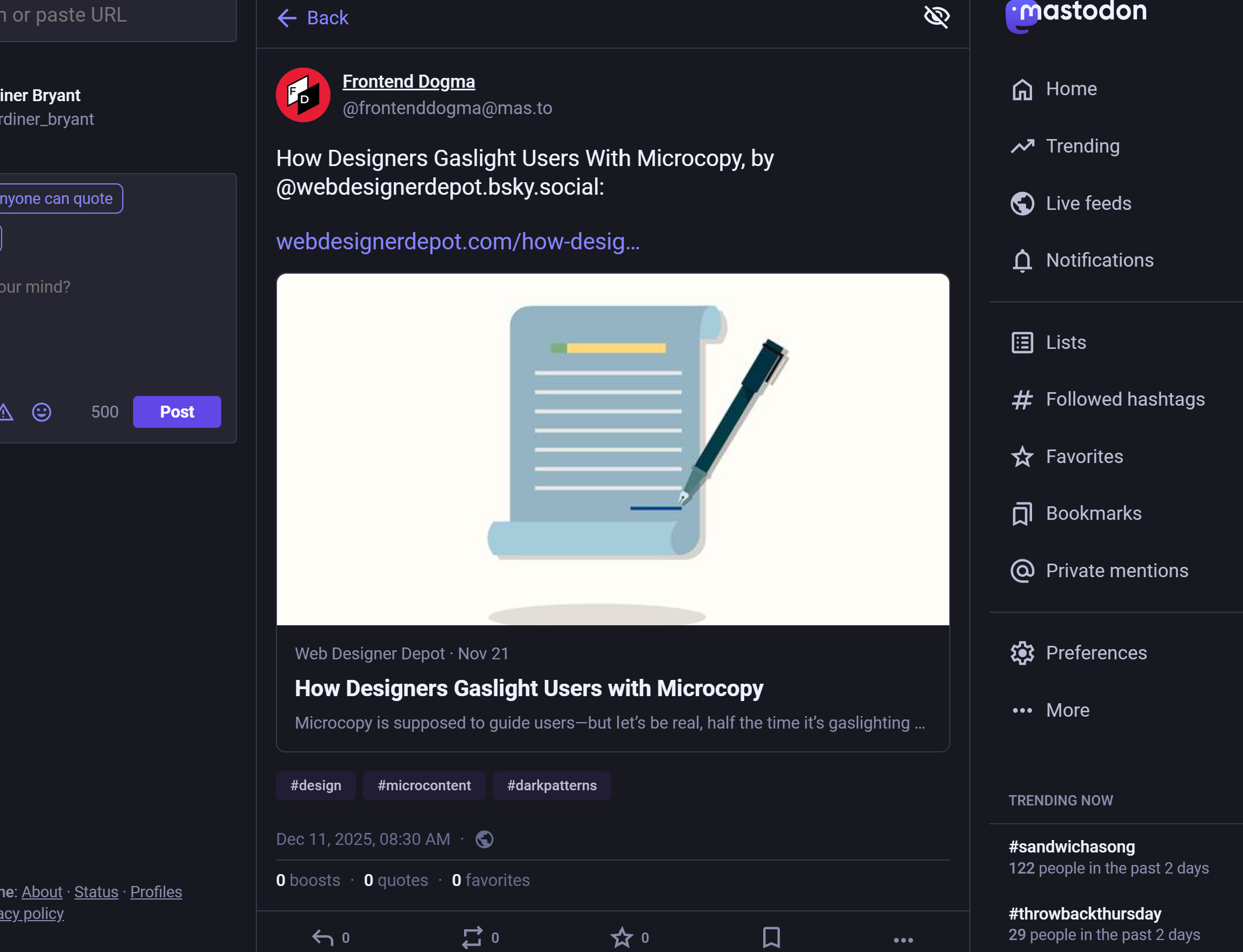
Graze fixes this by modifying the look of link previews:
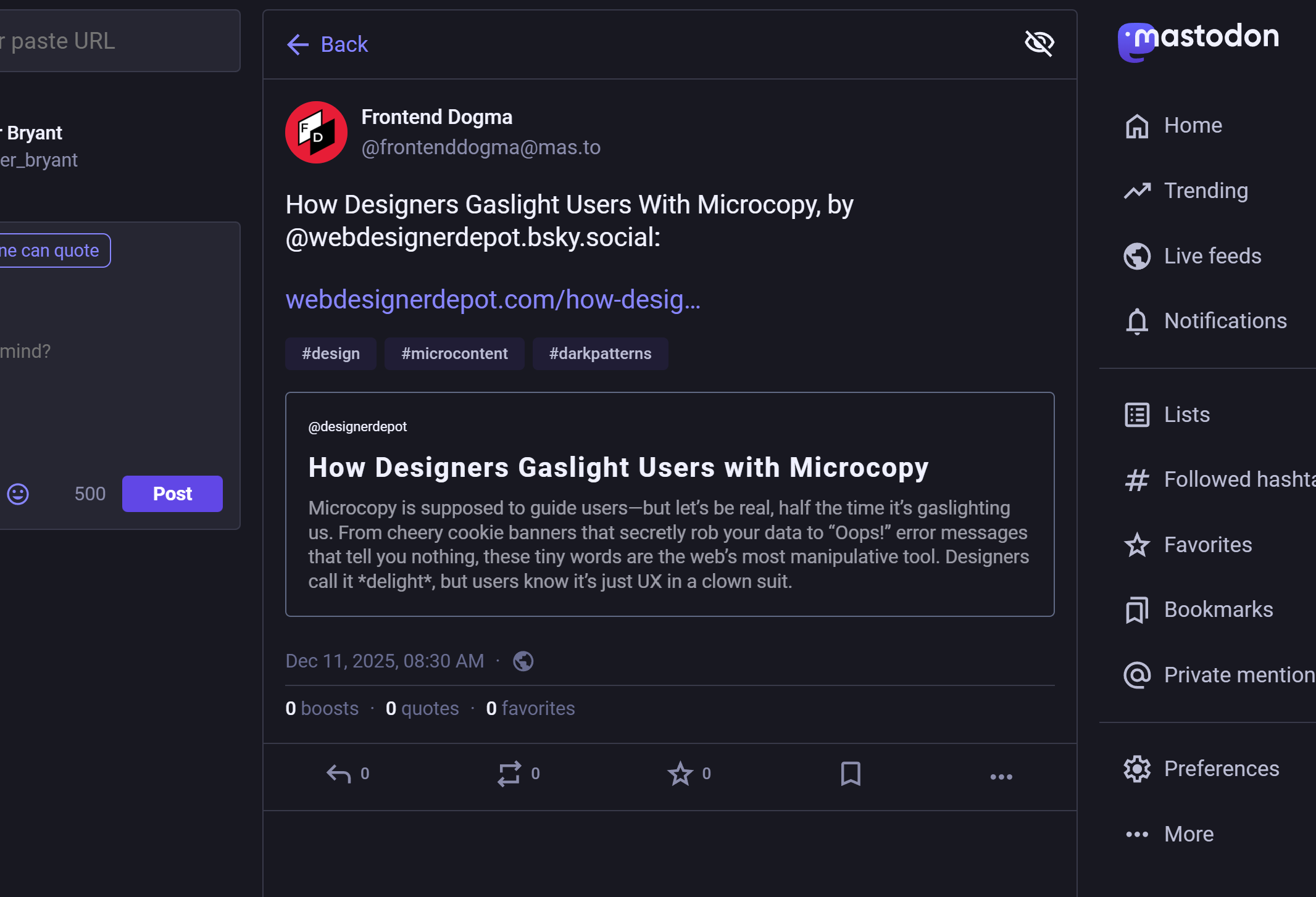
Notice how the preview image has been removed and there's more information that lets you make an informed decision before you click?
Pretty neat, huh?
Though I have seen this break some link previews.

Installation
For Firefox-based browsers, you can head over to the Mozilla Addons site. For Chromium-based browsers, just head over to the Chrome Web Store.
Just click the install button to add it to your browser!
Setup
Just click on the extension and type in your instance name:
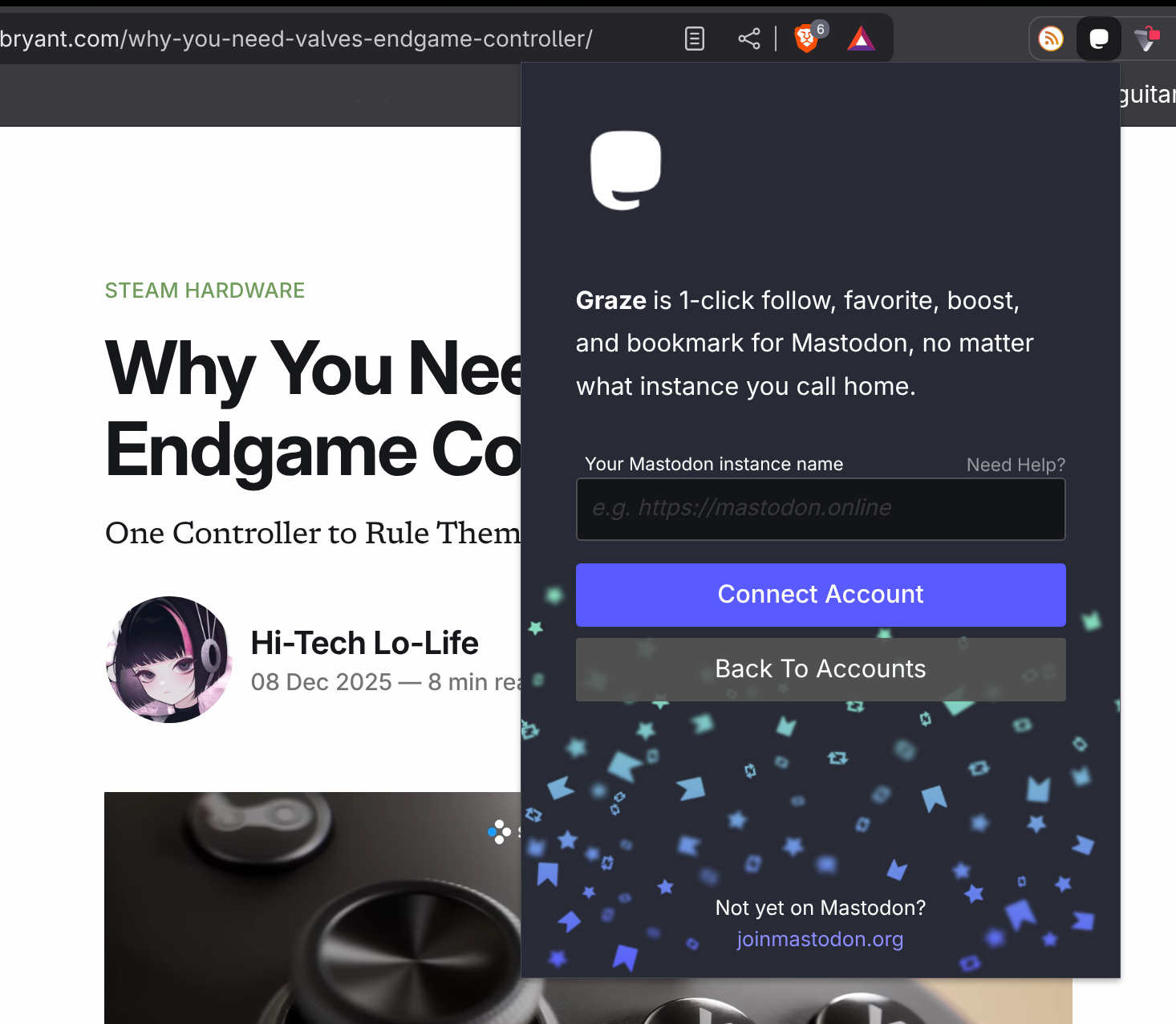
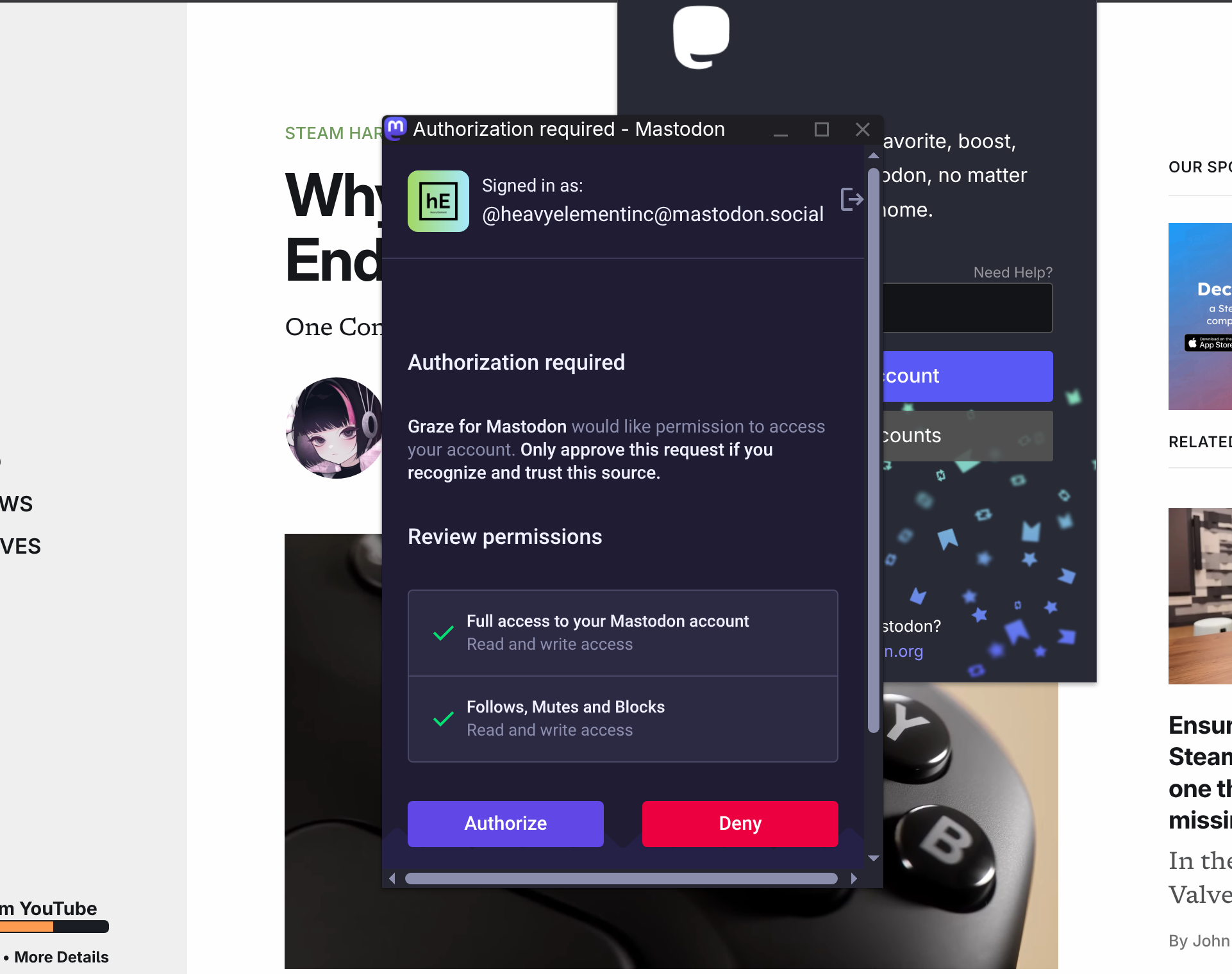
Then just authorize the app and you're good to go.

About The Author:
Gardiner Bryant
I'm an educator, free software advocate, and storyteller. My passion lies in Linux gaming, self-hosting, the fediverse, and the human stories behind the tech we use every day. I believe in privacy, justice, community, and integrity.