
Gaming
DOOM: The Dark Ages - Full Review
Two steps forward, three steps back

Gaming
Two steps forward, three steps back
Gaming
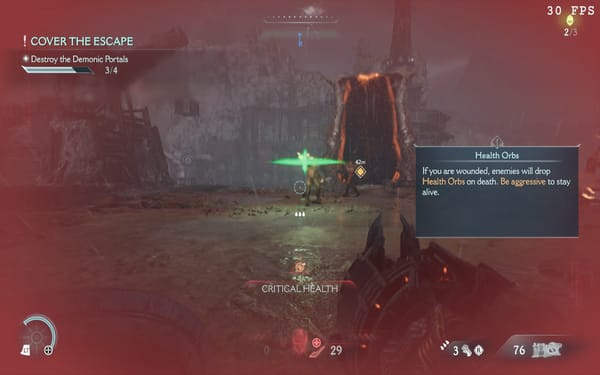
Thanks to Bethesda and Keymailer.co, I was given early access to DOOM: The Dark Ages and I'm glad to be messing around with it. This is one of the biggest, most anticipated games of the year for me and I've been looking forward to trying
Gaming
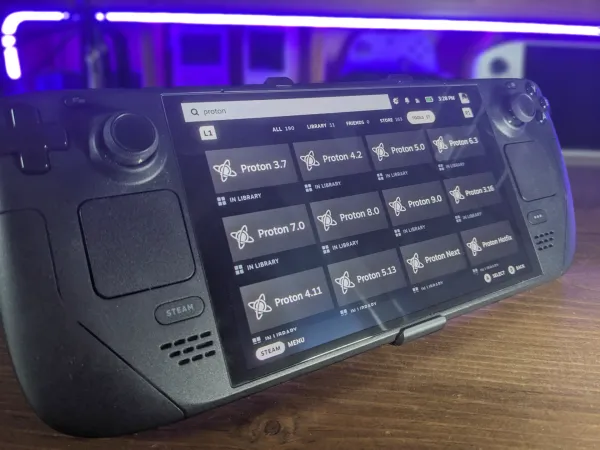
What is Proton and how is it different from GE-Proton? And what about Luxtorpeda? How do they work and how do you use them?
Gaming
SteamOS
Valve released SteamOS 3.7.0 to the Steam Deck's Preview Channel back on Pi day. After a bit of obnoxious howtodo switching the Steam Deck over to the stable branch (which you can find more of in the video below), I was abot to install 3.7.

Guides
Whether we like to admit it or not, most of us have an Epic Games Store (EGS) account. If you're like me, it's exclusively because of the free games—and for no other reason. But what if you want to play those free games on your

Guides
So in my most recent news video, I mentioned that Valve's possibly bringing Android app support to Steam using Waydroid. What could this mean for Deck gamers? Well, let's find out together!

Steam Hardware
I've been a Steam Deck user since day 1 and in that time I've learned a lot. In this video we review 7 things you can do to get the most out of your brand new Steam Deck OLED or LCD!
Steam Hardware
A few months back, I released a video on how to play Minecraft on your Steam Deck. It got a fair number of views, but there's a problem with that video. In it, I recommended a community-made Minecraft launcher called PolyMC. I don't know if you&
Guides
The Steam Deck is an amazing piece of tech—but nothing is ever perfect. There’s always room for improvement. The problem is, Valve’s recent Steam Deck software updates have been aimed at unifying the Steam ecosystem across desktop, mobile, and the Steam Deck. That’s great—don’t
Steam Hardware

Steam Hardware
So you're the guy who wants to use Discord on your Steam Deck, huh? Well, follow this guide and you'll be off to the races in no time. So let’s do this. 1 – Desktop Mode First, hold the power button until you see this menu