Why You Need Valve's Endgame Controller
One Controller to Rule Them All

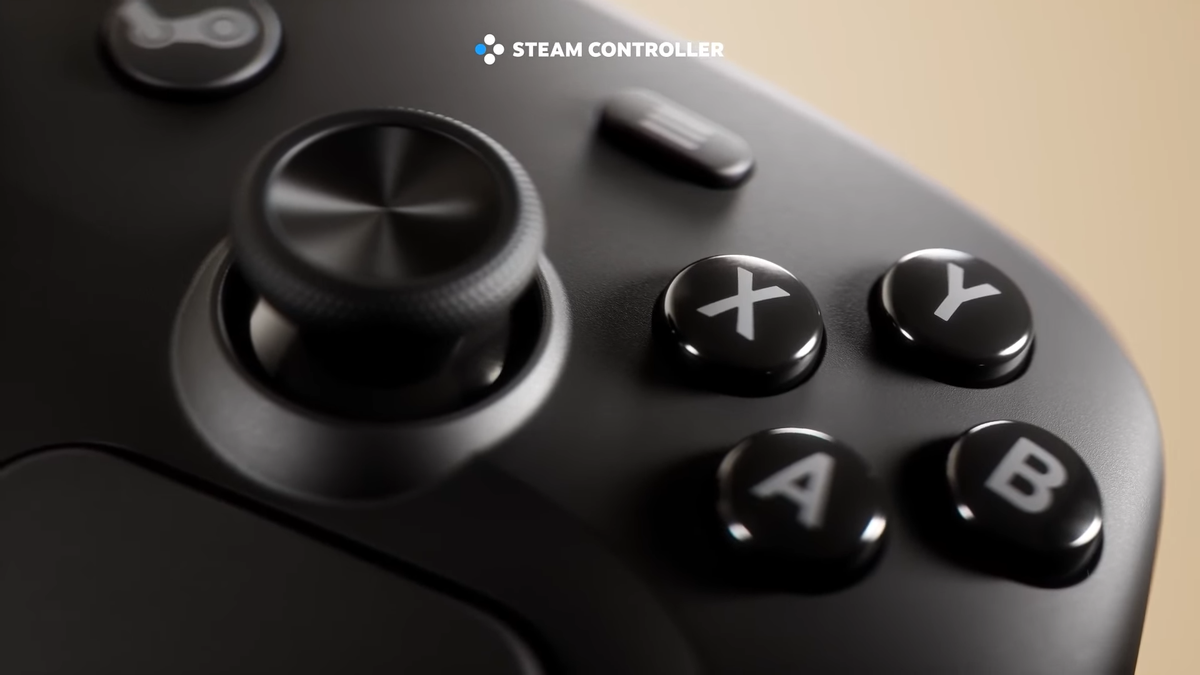
When Valve unveiled their brand new hardware on November 12th, the internet collectively lost their minds. Of course the Steam Machine got all of the attention, but the Steam Controller is personally my most anticipated announcement of the big three that day.
The Steam Controller for those who may not know, is the brand new flagship controller intended for use with the Steam Machine. You can also buy a standalone unit to use with your existing PC setup, if so desired. As a bit of a controller connoisseur myself, I see this replacing almost every controller I have, with some exceptions like specific rhythm game controllers or my arcade stick for fighting games. But why so much fanfare for a single controller?
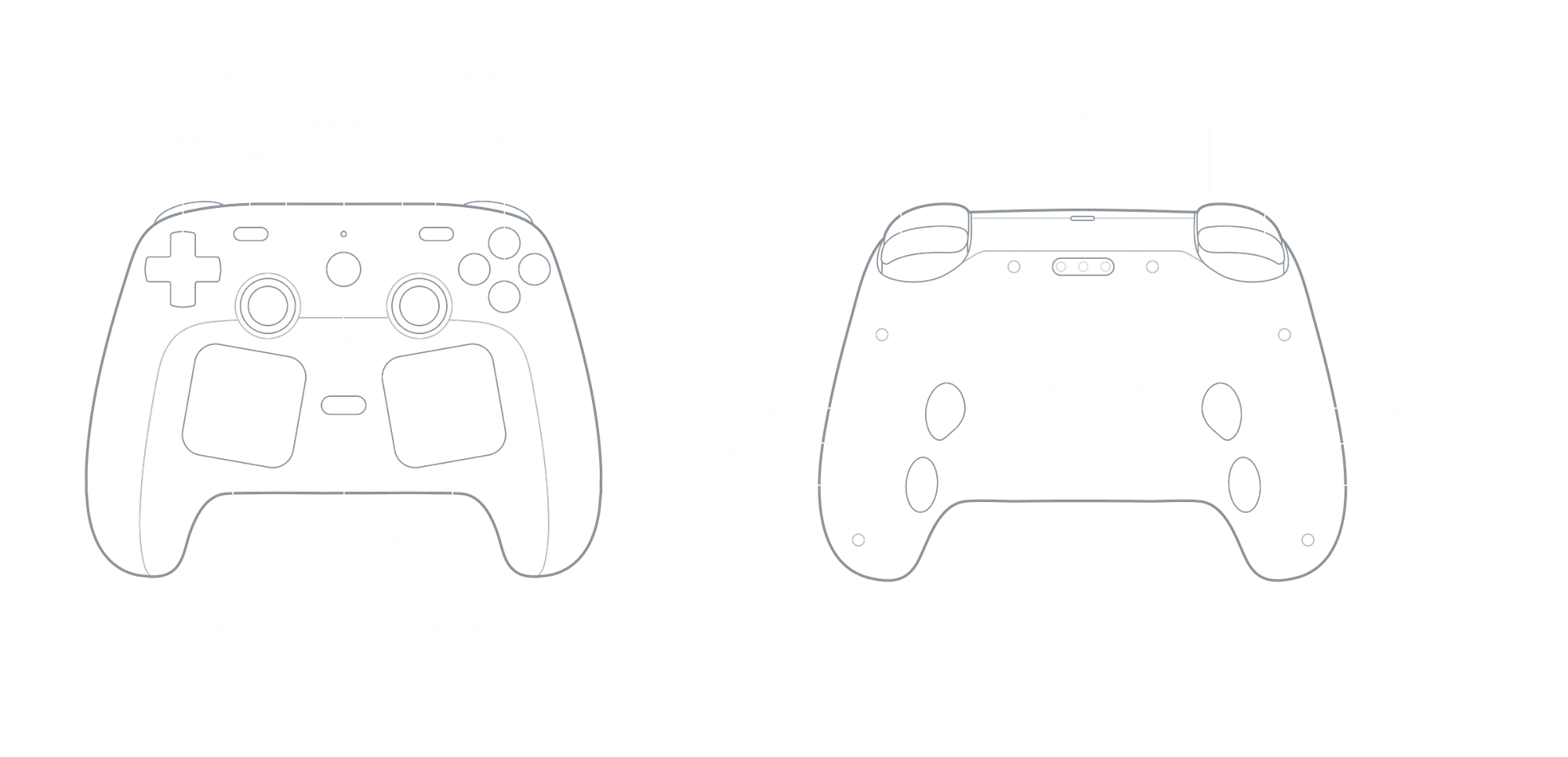
The Steam Controller features all of the controls you need for modern controller supported games. D-Pad, Face Buttons, Twin Analog Sticks, Bumpers, & Triggers... the controller has them all, but you can immediately see there's more to it.
The Basics, Upgraded
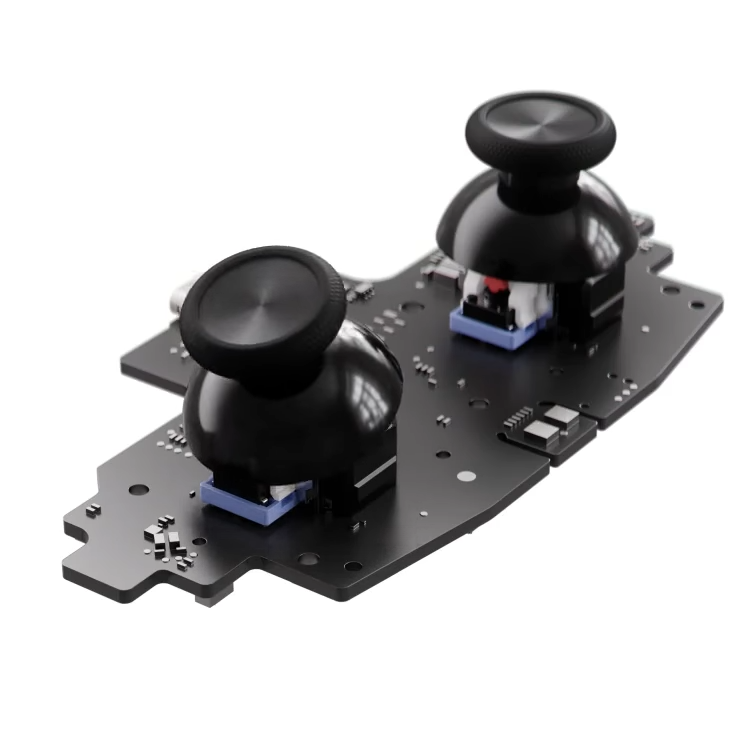
The thumb sticks have been upgraded and now feature Tunnel Magnetoresistance (TMR) technology, meaning they are far more accurate than standard potentiometer based thumb sticks and are also drift resistant.
Furthermore, these thumb sticks also feature the same capacitive touch technology on the Steam Deck, meaning you can use the thumb sticks to enable and disable gyro functionality at will.
Or you could use the new grip sensors the controllers come with. It's honestly difficult to comment on this as I've yet to actually hold the controller as of the writing of this article. However, you're certainly going to hear my thoughts when the controller is available.
Gyro as a whole is an aspect of gaming that's been severely overlooked due to the lowest common denominator controller, the Xbox controllers, not featuring gyro. PlayStation 5 and Nintendo Switch controllers have built in gyro functionality but you'll find that a good chunk of cross-platform games that are also on Xbox do not support gyro on said platforms.
Gyro's best use case is to enable more accurate aiming, nearly on par with mouse aiming. There is a learning curve, but honestly worth the effort if you take the time to learn how to aim with it. Some games on Steam do natively support gyro aiming, but for the rest you'll want to assign your gyro to mouse input via Steam Input. More on Steam Input later.
The Trackpads
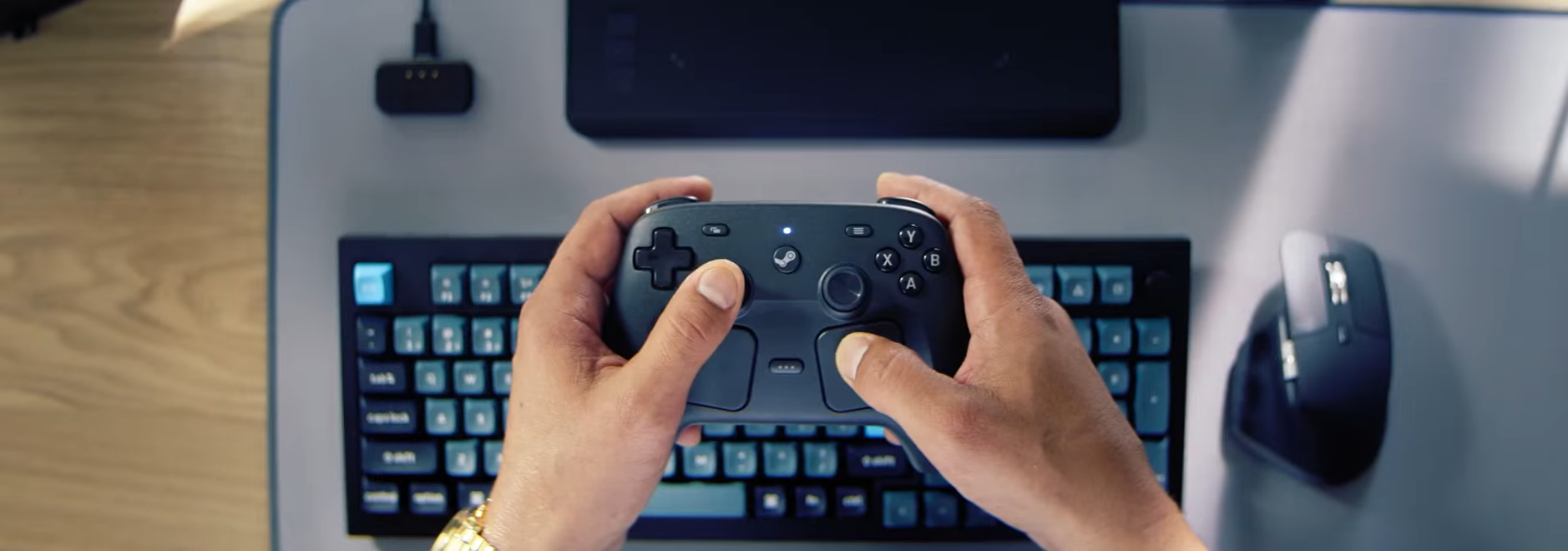
You can see Twin Trackpads on the front of the controller, right under the analog sticks. Valve's trackpads have proven to be an essential part of the Steam Deck experience for mouse oriented games.
In addition to being a mouse, the trackpads can be customized using Steam Input, enabling functionality that goes far beyond just merely being a mouse. My favorite example of this is setting up Radial Menus on it, which can act as a sort of pseudo weapon wheel in games like Starbound.
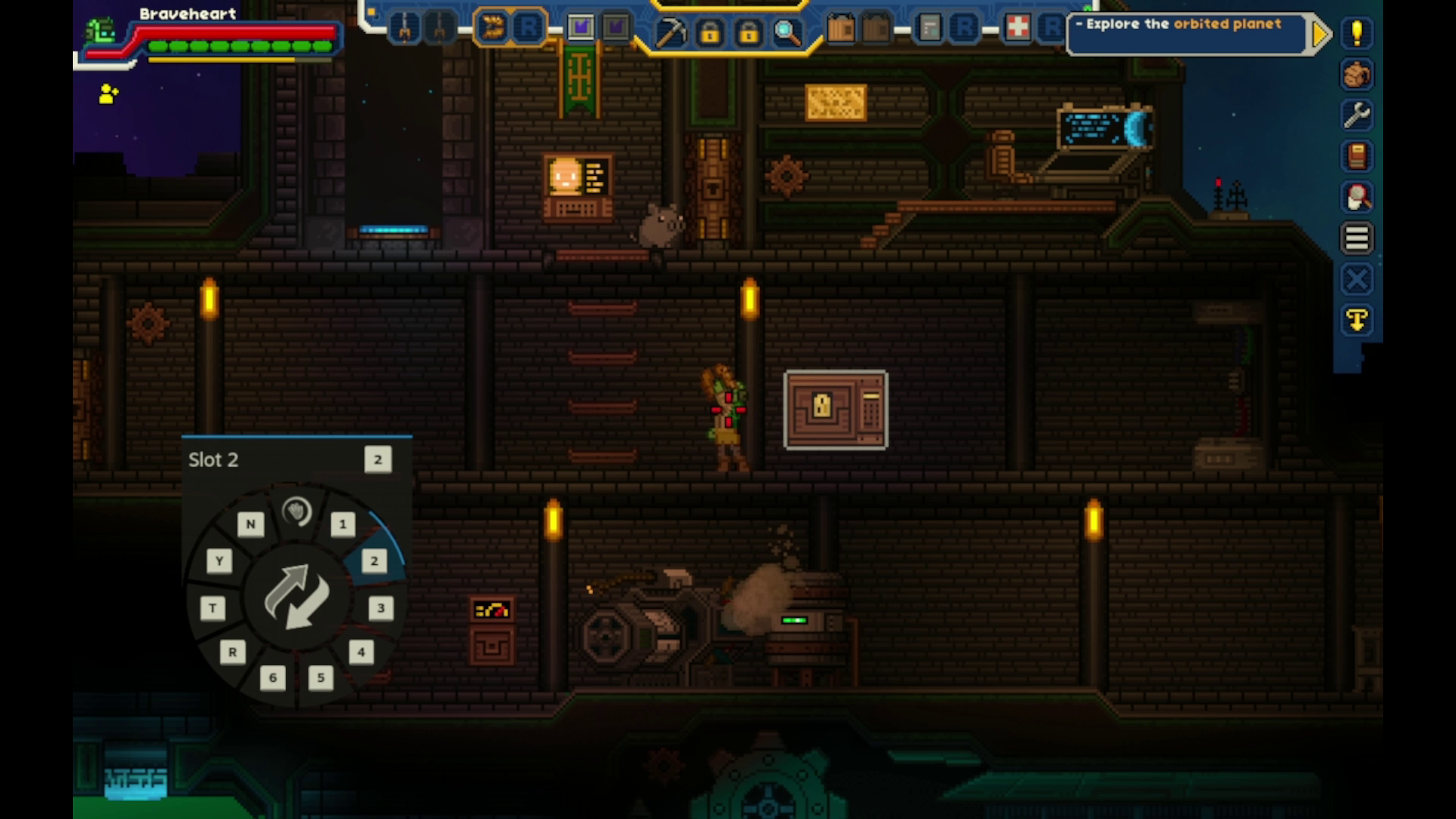
This in conjunction with the back buttons on this new Steam Controller means you have far more control options available to you at once, nearly rivaling that of a keyboard. The trackpads are also pressure sensitive and effectively deliver a click command when pressed in hard enough to register the command.
Steam Input
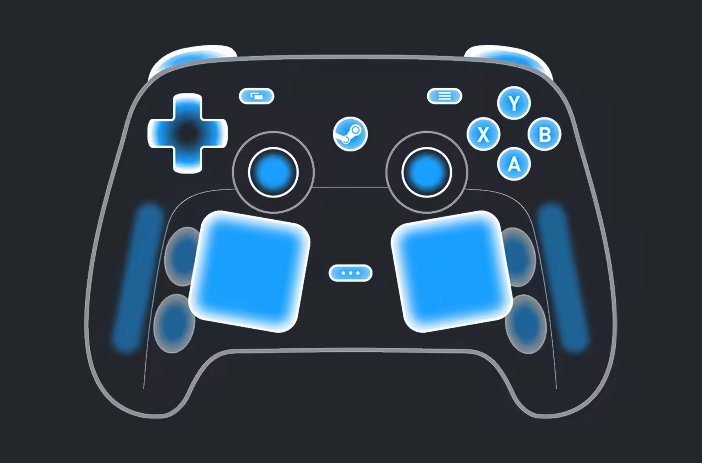
Steam Input is Valve's powerful remapping engine designed for near limitless customization of controls. While Steam Input supports remapping for basically any modern controller supported by Steam (which in this case is literally the standard first party controller from the likes of Sony/Microsoft/Nintendo), the Steam Controller and Steam Deck benefit the most from Steam Input.
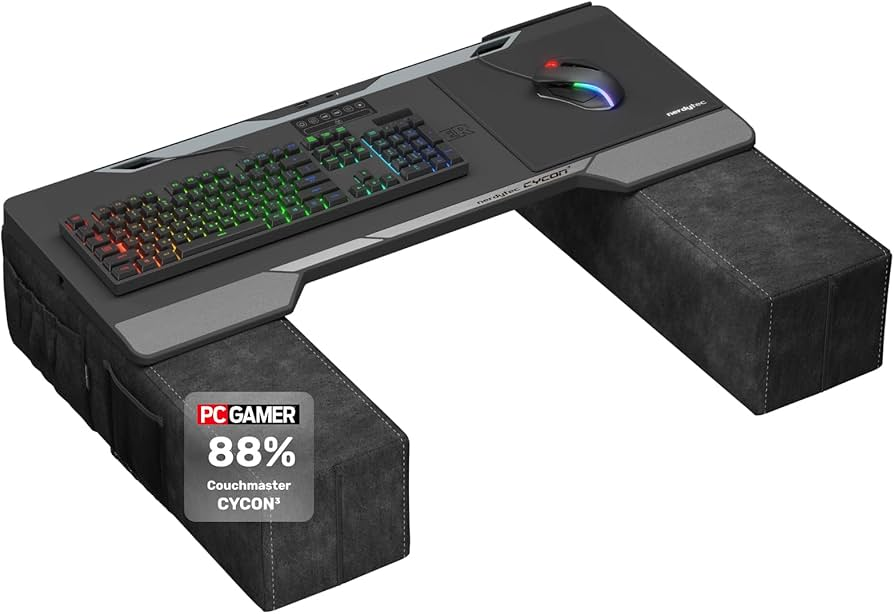
In its most basic form, you can use it to map keyboard and mouse controls to your controller. It's useful for older games that existed before the X-Input standard for Windows existed.
While games in the current era don't usually release on PC without controller support, some games lack this feature. That's where Steam Input can serve to pick up the slack.
Though dedicated controller support is more intuitive as you don't have to wrap your head around the fact that the E key prompt on your screen was actually mapped to X on your controller.
But Steam Input allows for more customizability. Though many keyboard-centric games use more keys than there are buttons on a standard controller; this is not an issue for Steam Input.
You often hear stories of people playing World of Warcraft or other MMORPGs on Steam Deck. These are traditionally made for keyboard & mouse, but many are easily adapted for play on the Deck thanks to Steam Input.
I mentioned earlier that I had used the built in Radial Menu option to turn my Left Trackpad into a sort of item selector or weapon wheel in Starbound. Each little quadrant was set to number keys 1-6.
But that was just the beginning of my journey. I'm not going to sit here and tell you it's the easiest thing in the world. If you're fine with just mapping keyboard and mouse controls to your buttons then that's totally fine. But I will say there is a vast ocean of configuration out there that can nearly dial in a "designed for controller feel" for a game.
My Starbound configuration (listed below) makes use of almost every feature outside of gyro (because it's a 2D game). Everything from radial menus to alternative menu styles like touch menus, hotbar menus, mode shifting and control layers for combinations.
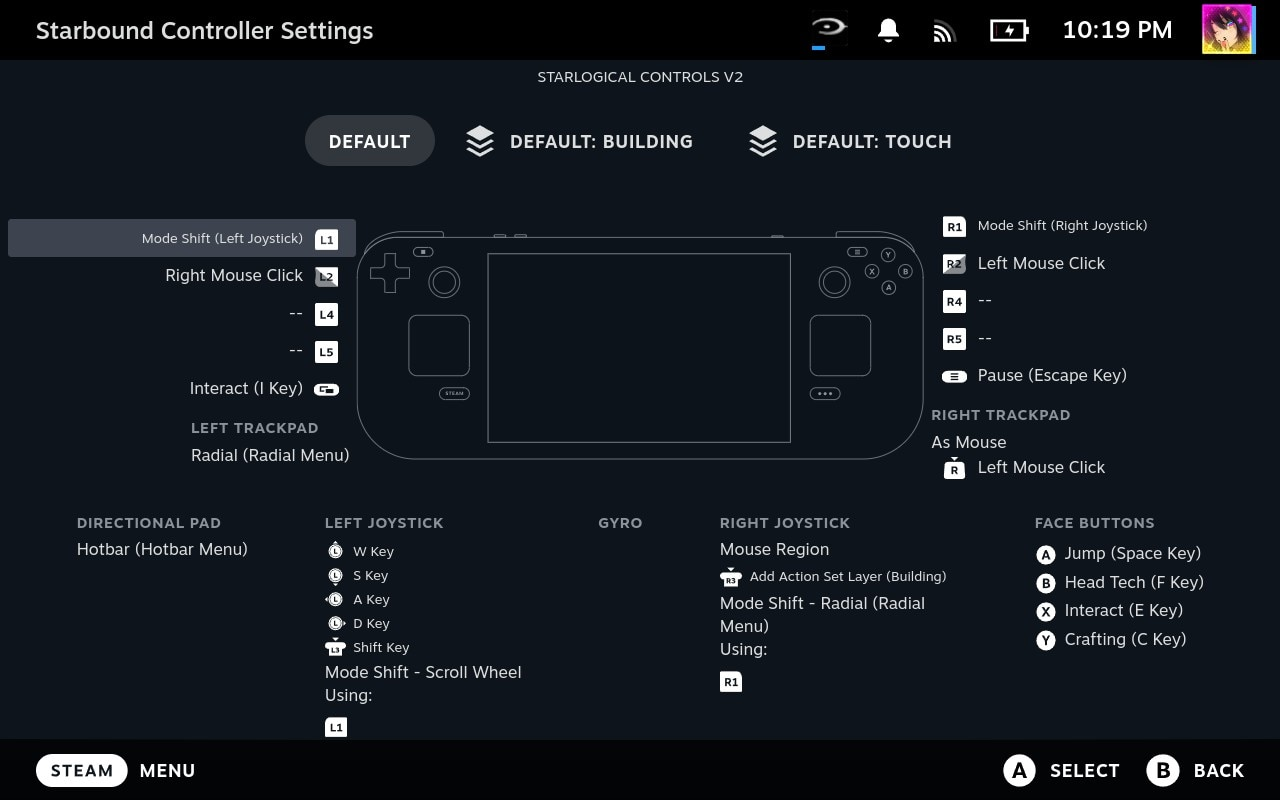
I could stand to optimize the controls a little more when the Steam Controller does release.
Wireless Capability
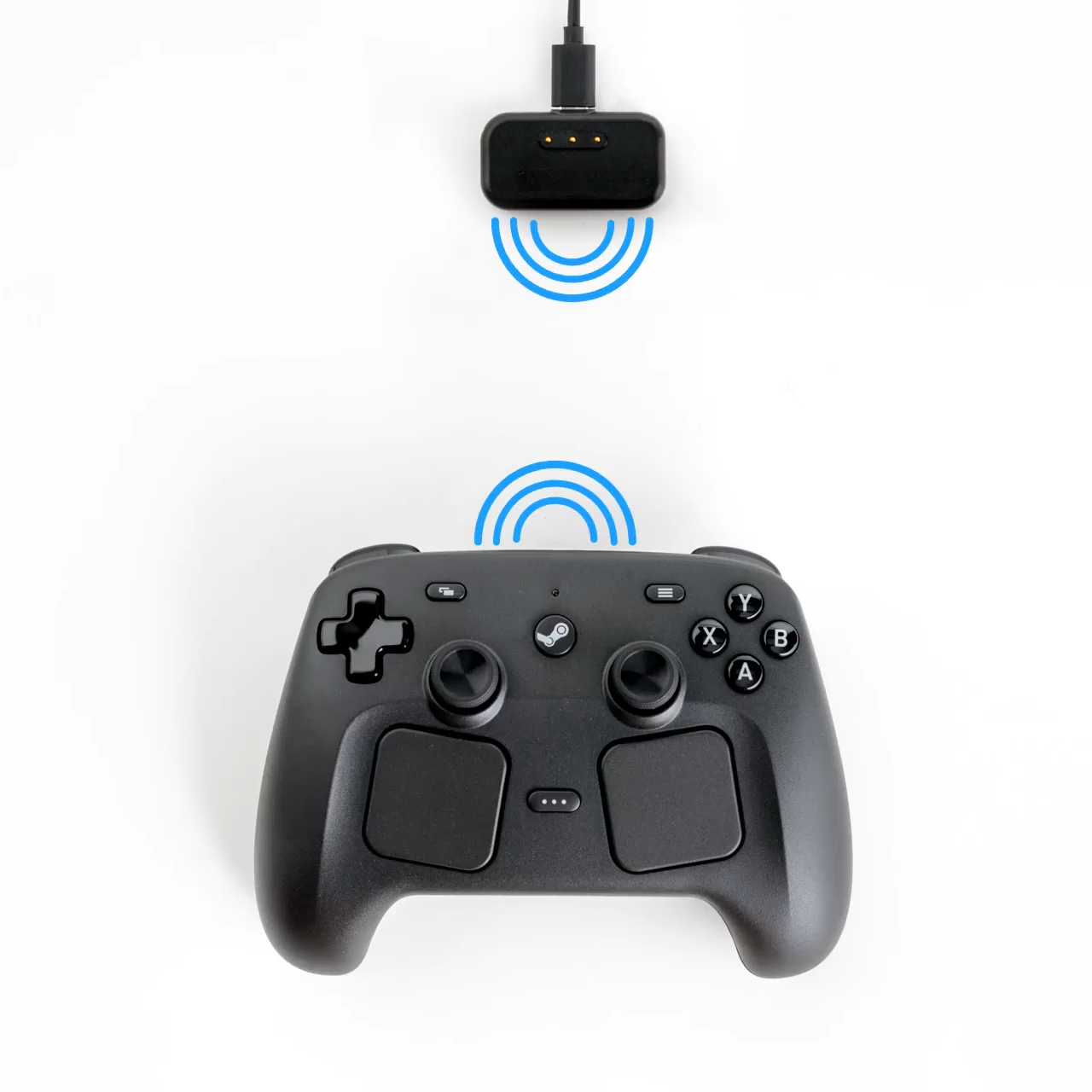
The Steam Controller also comes with a receiver which acts as both a charging dock and a wireless transmitter for the controller, affectionately called the Steam Controller Puck.
The Dongle connects to your computer via a USB cable, and the controller connects to your dongle via 2.4GHz Wireless, meaning it should be very smooth and stable. Of course you can also use Bluetooth in case you want to use this with your Steam Deck or even your phone.
Each puck can connect up to 4 Steam Controllers at once, and some outlets have even reported that each PC can connect up to 4 pucks at once... meaning in theory you could connect 16 controllers to a single PC.
Truth be told I don't know of any game that supports 16 players on one PC or console period, but I could see some enterprising developer create a 16 player game on a single system.
Made for Steam Hardware
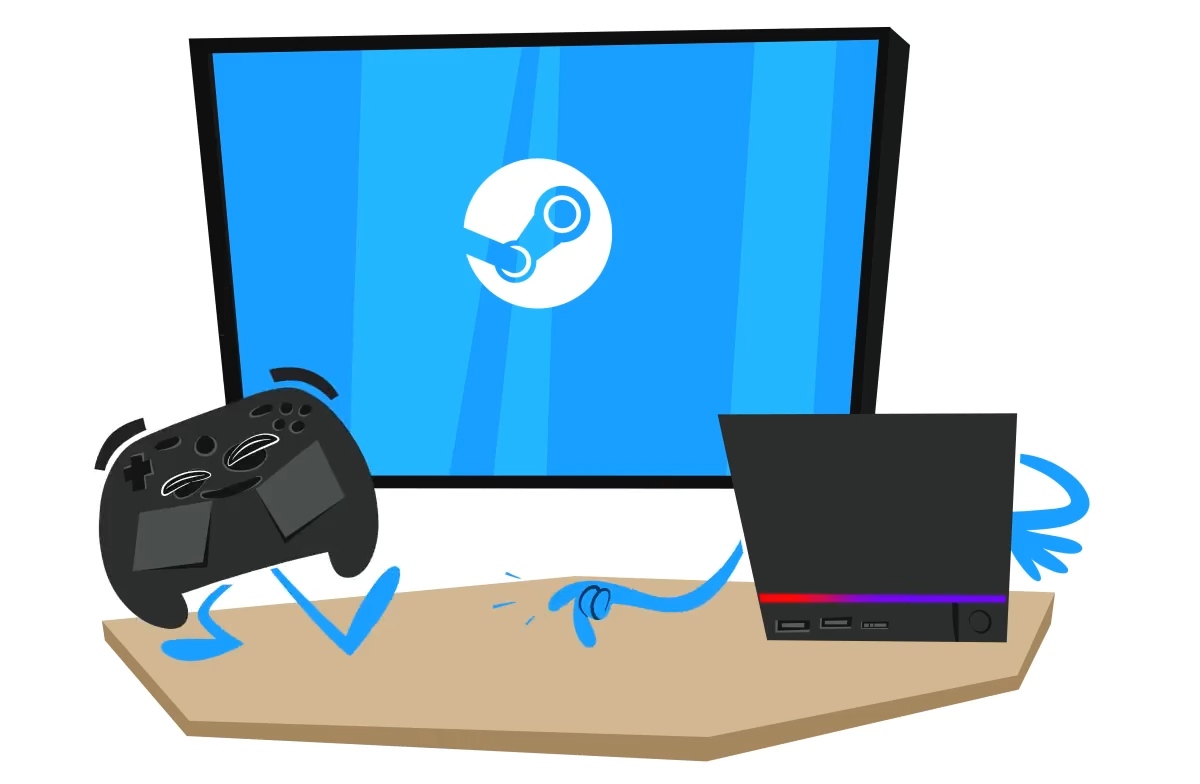
While the Steam Controller is made to be used on any PC with full functionality, it would be kind of remiss to not mention the fact that it was also specifically made to be used with the Steam Machine.
The Steam Machine supports all controllers via USB or Bluetooth, so if you have an existing DualSense or Switch Pro controller, then you're good to go... but the Steam Machine has a built in Steam Controller Puck for Steam Controller connectivity.
The Steam Machine and Steam Controller are a match made for the living room to play all of your PC games there. The Machine provides the PC games and the Controller provides the means to actually play nearly all of them on your TV without an awkward Keyboard + Mouse setup.
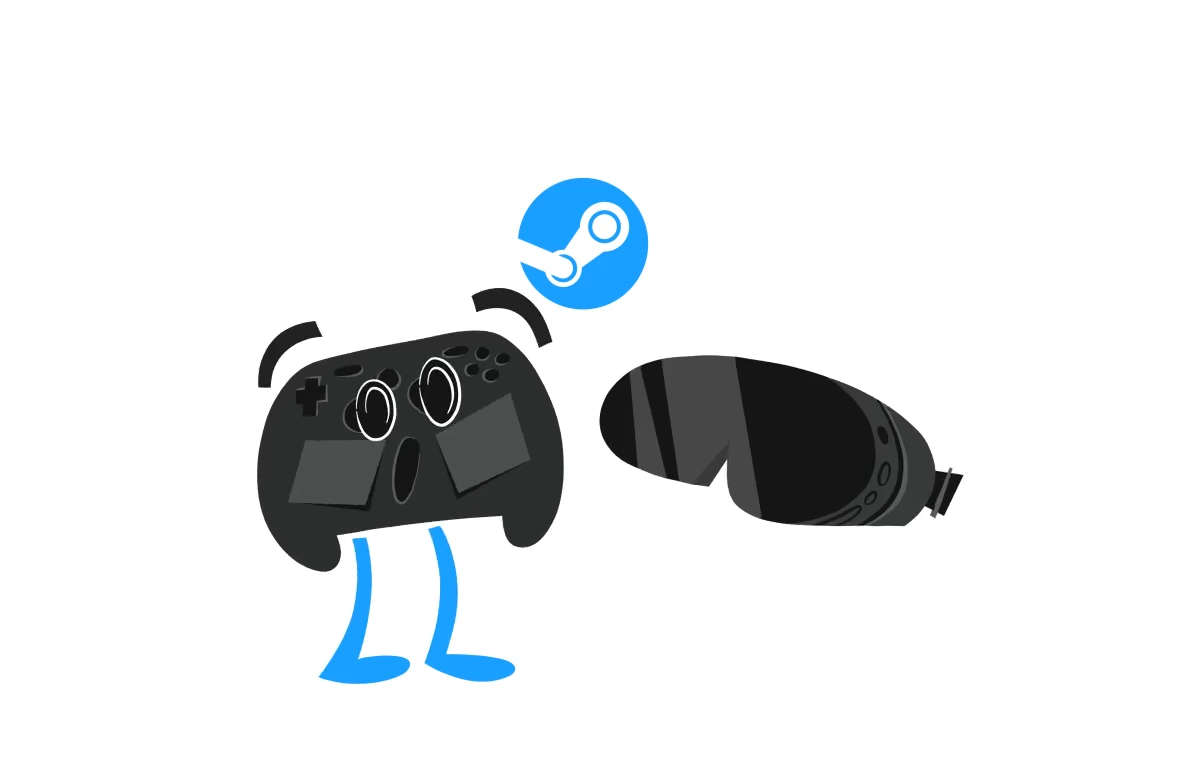
Another thing that isn't talked about often is the fact that the Steam Controller also works with the Frame. I haven't seen anyone mention if the Steam Frame has the Steam Controller Puck built in or not, but even if it isn't, you can still use Bluetooth with it if so desired.
The Steam Controller also has infrared capabilities allowing the Steam Frame to track the controller in VR space.
It is kind of an odd thing to point out because the Steam Frame has its own bespoke controller designed to be both a standard controller and a VR capable controller... but the Frame will be able to not only run PCVR games natively, but also standard flat gaming.
It may be worth considering a Steam Controller for your Frame setup. If you want more information on the Frame though, Gardiner's written a great article on this, so please check it out so I don't have to rewrite what he's already said.
The One to Rule Them All
As a controller aficionado, I've played with many controllers and unusual input setups over the years. There are a multitude of great controllers from a variety of manufacturers–all at great prices. Yet few offer a truly great way to bring keyboard and mouse centric experiences to the living room without an awful lapboard.
The original Steam Controller was the closest to being the one controller, and while you could technically use it for every type of game, some of the sorts of games I enjoy suffered from a lack of a true d-pad.
The new Steam Controller, however, threatens to replace every controller I have (outside of a few specialized ones for specific types of games). It really is the "do everything" controller and arguably the most exciting device of the big new Steam Hardware trio announced a few weeks back.
Of course, there's no pricing mentioned but, given a controller likely has no business being affected by the crazy RAM shortage, I can't imagine the controller being too expensive.
The original Steam Controller was originally $49.99 MSRP, so I can see the new Steam Controller being a similar price.

About The Author:
Hi-Tech Lo-Life
Hi-Tech Lo-Life reviews the hottest tech and pop culture media! That includes anything from video games to anime to tech products, movies, you name it! He also does a lot of Steam Deck content!